Twine Databases
When setting up a database in Twine for your system, you can start by writing an alphabetical list of your headmates with double brackets around each name. This will create an empty page for each name, and this will be the foundation for your database.
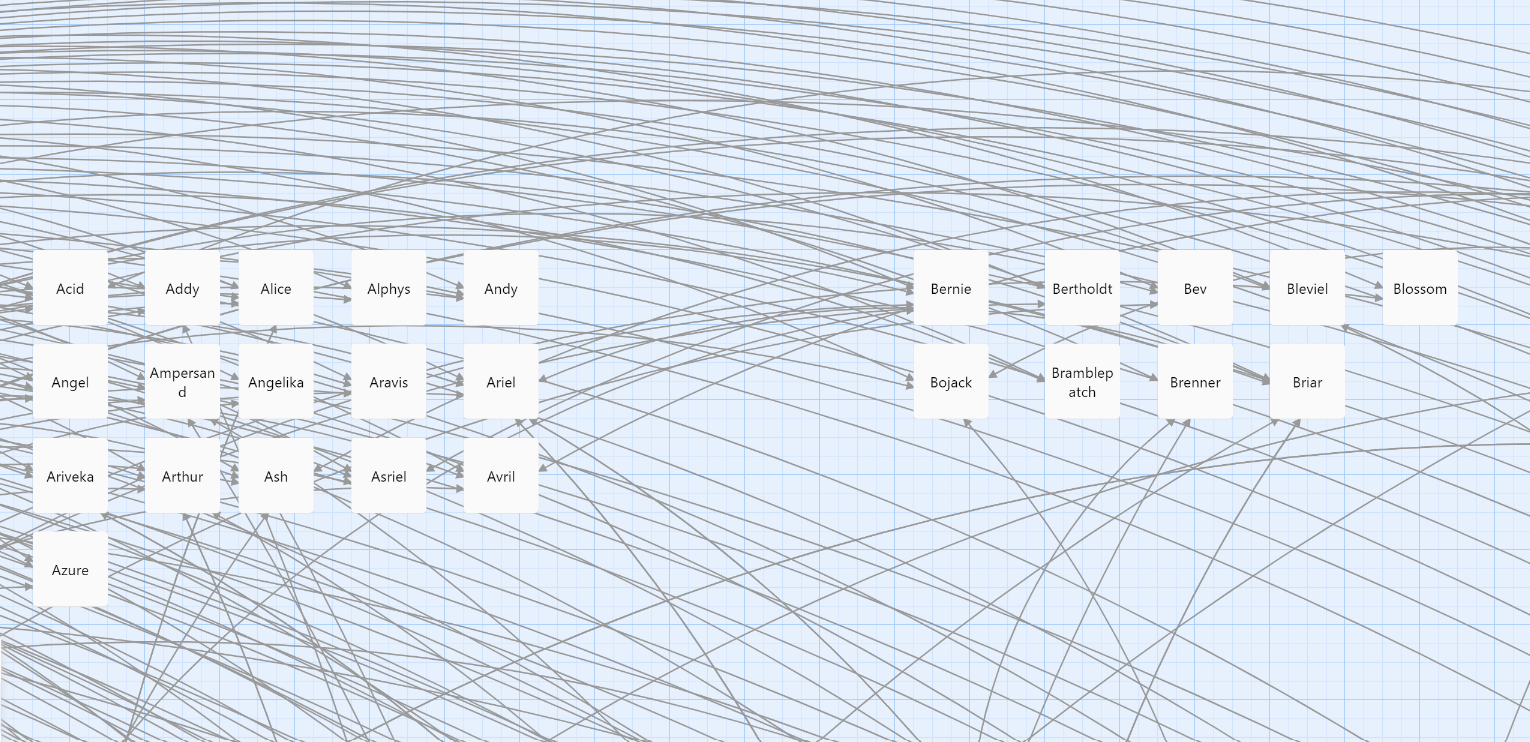
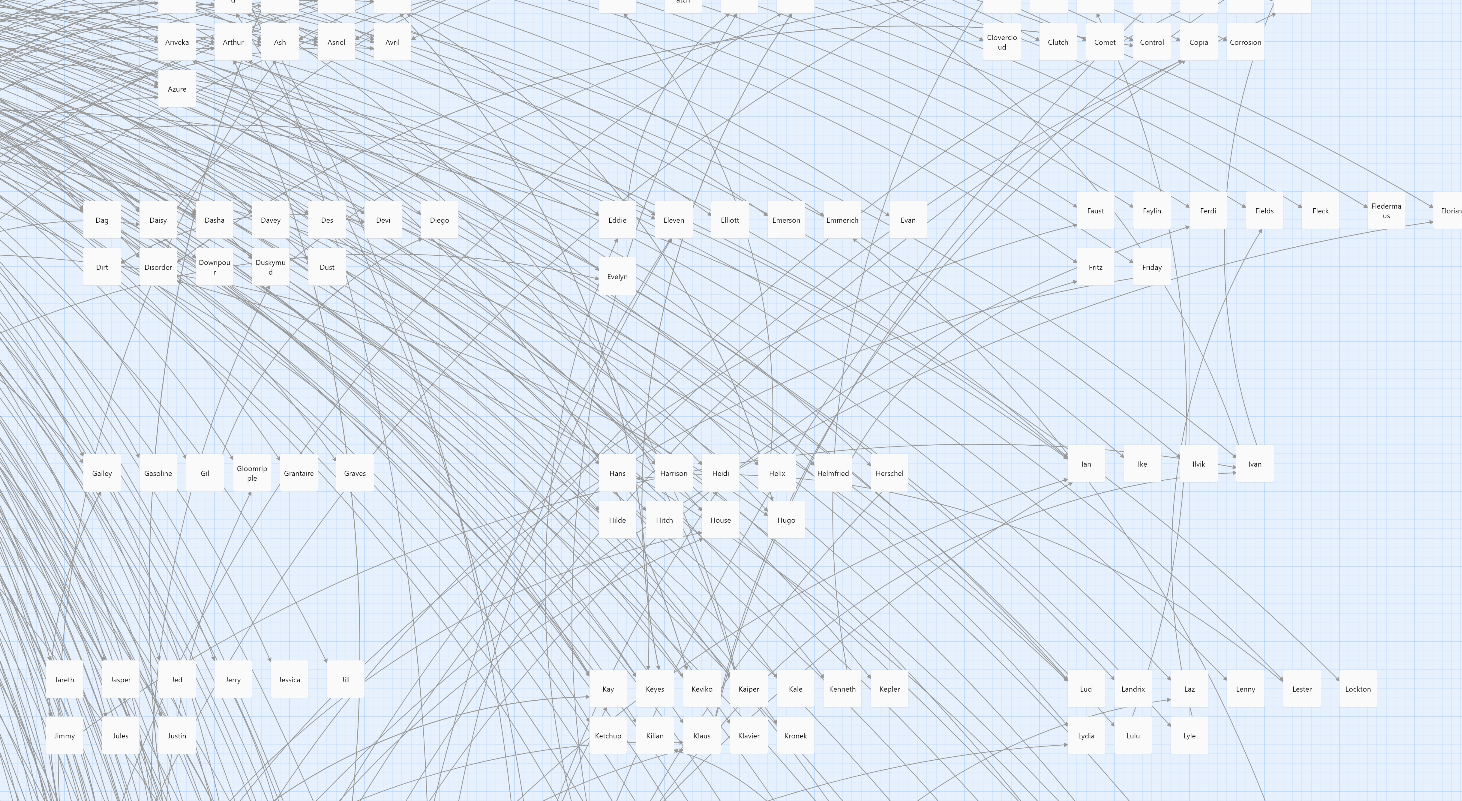
You can organize the pages in the workspace in a way that helps you keep track of them, e.g. alphabetically. Screenshots of this and other parts of the process will be available at the end of the page for reference.
If you make the list in such a way so that each name has a unicode symbol or emoji before it that does not appear elsewhere on the page except on the list, you can run a CTRL+F search for that symbol or emoji when you are test-playing the database in your browser (this does not work in the editor). If you do this, the number it says is the number of names on the list. You can use this to keep track of total number of system members.
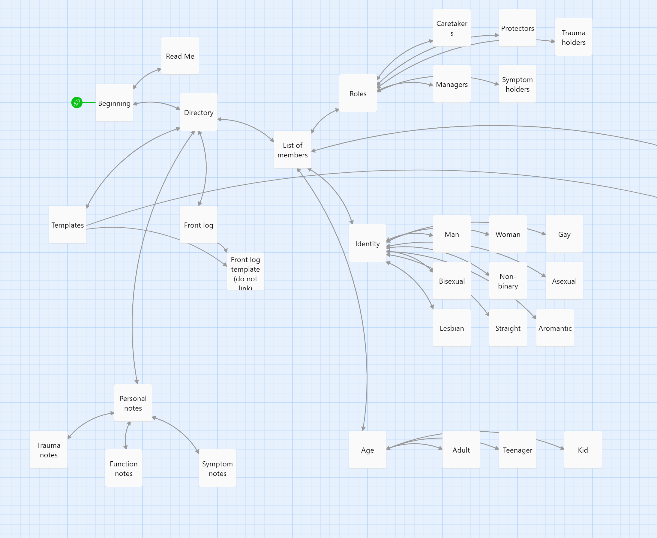
You can also make lists of categories in the system - e.g. by ages, by gender, by role, etc. These would be separate from your main list but can be useful for keeping track of demographics or functions within the system.
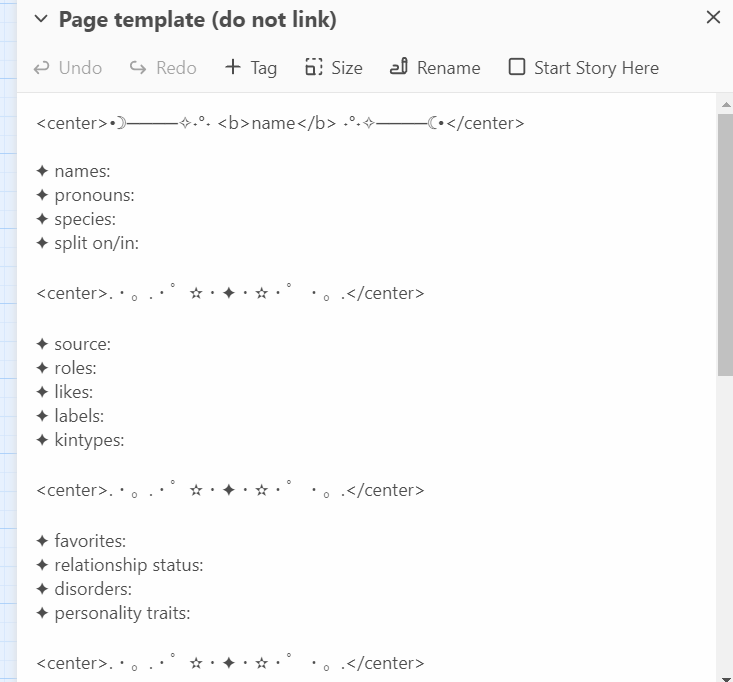
If you can convert markdown and images used in a SimplyPlural description to HTML (or if it doesn't have those things in the first place), you can copy-paste your descriptions from SimplyPlural into the pages of your database. However, for our database, we created our own template, and the sample databases come with a template. You can create your own template too, or use/modify SimplyPlural/PluralKit templates available from the internet.
Pages on your database can have anything you want them to have. However, your database will be private unless you host the file somewhere or share the file, so your database could contain information that would be too personal to put on a public site or app. Since you can duplicate projects in Twine, you can also have a public versus private version of your database.
While the Twine editor is only accessible on a computer (as far as I am aware), a file created in Twine can be opened on your phone. This means that, while you cannot edit your database from your phone, you can send the file to yourself (e.g. through email), download it to your phone, and access the database from there.
Because the database can have anything you want in it, it can have notes of personal information about your system. This can be useful for keeping track of trauma, symptoms, memories, or anything important.
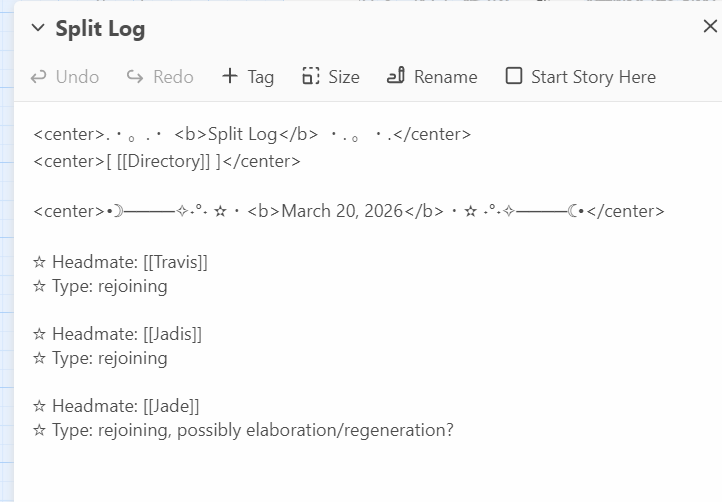
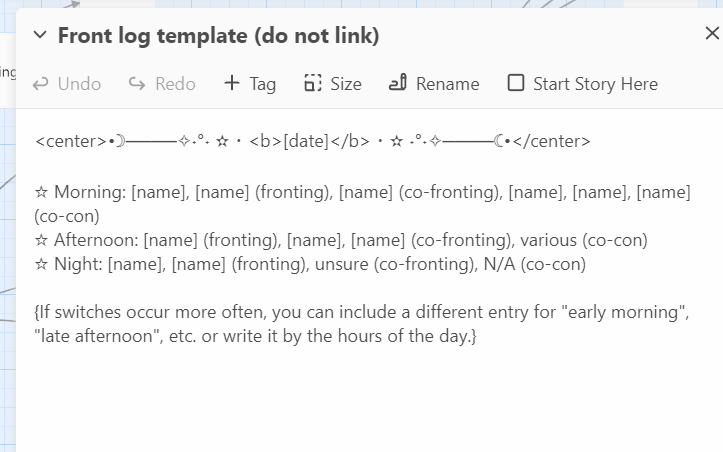
You can also create templates for ease of use in logging front, e.g. being able to quickly write down who was fronting or co-con at different times of day. You can also make a page for logging splits, which is not a feature that SimplyPlural really had.
If having an interactive flowchart would be helpful to your system - e.g. to help in taking care of yourself, making decisions, figuring out who's fronting, etc. - these can be made in Twine, and a section of your workspace can be dedicated to those.
Here are some screenshots of our database and a sample database, taken both finished and while in-progress, to give anyone viewing this site an idea of how to set things up in the workspace.